New! Promote Our Cards and Earn Money.💲

 Google Play
 ITunes
 Huawei AppGallery
 PUBG Mobile
 Genshin Impact
 Undawn
 Apex Legends
 Overwatch
 Mobile Legends
 Call of Duty: Mobile
 Lords Mobile
 FIFA Mobile
 Yalla Ludo
 Ludo Club
 VIP Baloot
 Minecraft
 Jawaker – Top-Up
 Bigo Live ID
 Likee
Likee
 Roblox
 Razer Gold
 Blizzard
 Steam
Steam EA Play
 Playstation
 XBox
XBox Nintendo
 Netflix
 Yango Play
 Anghami Plus
 Twitch
 Spotify
 Careem
 Talabat
 Amazon
 Noon
Noon
 Skype
Skype Viber
Viber
 Microsoft Windows
 Microsoft Office
 Bitdefender





 We Sell Since 2017
 100% Genuine Codes
 More Than 35K happy Customers
 Fast Digital Delivery
 24/7 Live Support
 Safety Guarantee
 Trust Pilot
 Sell Your Cards To Us












Before Completing The Purchase Process, You Must Check The Card’s Operating area (Below) To Rnsure That it Works in Your Area.


In stock

In stock
In stock

In stock

In stock

In stock

In stock
In stock

In stock
 Check It Out
 Trade MarkThe Company That Manufactures The Product You are Currently Browsing Trade MarkThe Company That Manufactures The Product You are Currently Browsing | XBox |
|---|---|
 PlatformIt is The System on Which The Product Runs PlatformIt is The System on Which The Product Runs | XBox Redeem |
 RegionThe Area in Which This Product Operates RegionThe Area in Which This Product Operates | United States |
 CurrencyThe Type of Currency That will be added To Your account when you Purchase This Product. CurrencyThe Type of Currency That will be added To Your account when you Purchase This Product. | USD |
 LicensingIt is The Type of Product That You will Receive, Whether it is an Item That Can be Used by You (Serial Number) or a Product That we Refill Directly to Your Account LicensingIt is The Type of Product That You will Receive, Whether it is an Item That Can be Used by You (Serial Number) or a Product That we Refill Directly to Your Account | Digital Code |
 Product ValidityIt is The Time it Takes For a Product To Expire From The Date of Purchase if it is Not Used Product ValidityIt is The Time it Takes For a Product To Expire From The Date of Purchase if it is Not Used | One Year |
 INSTANT DELIVERY ⬇
 We are Refilling It For You


In stock

No account yet?
Create an Account













































 Google Play USA
 Google Play UK
 Google Play Canada
 Google Play UAE
 Google Play KSA
 ITunes KSA
 Free Fire ID (Indonesia)
 Bigo Live Global
 Bigo Live Kuwait
 Bigo Live Bahrain
 Bigo Live Morocco
 Bigo Live Oman
 Bigo Live Qatar
 Bigo Live South-Eastern Asia
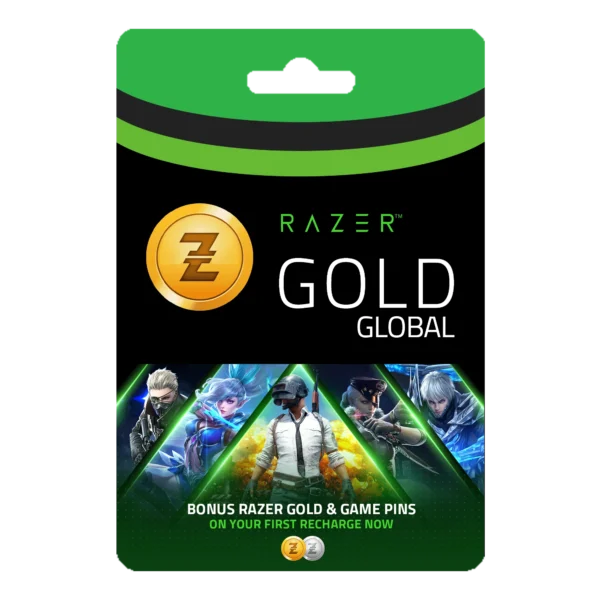
 Razer Gold – (Global)
 Razer Gold Europe
 Steam Turkish
 Playstation Oman
 Mastercard
 Vanilla Gift Card
 Voucherry
 MyPrepaid Center Visa
 Off Gamers


 Resaal Middle East
 Resaal Merchant’s





Reviews
Clear filtersThere are no reviews yet.